LDNWebPerf Special - Tim Kadlec & Ilya Grigorik
Program:
- Tim Kadlec (@tkadlec): Mobile image processing
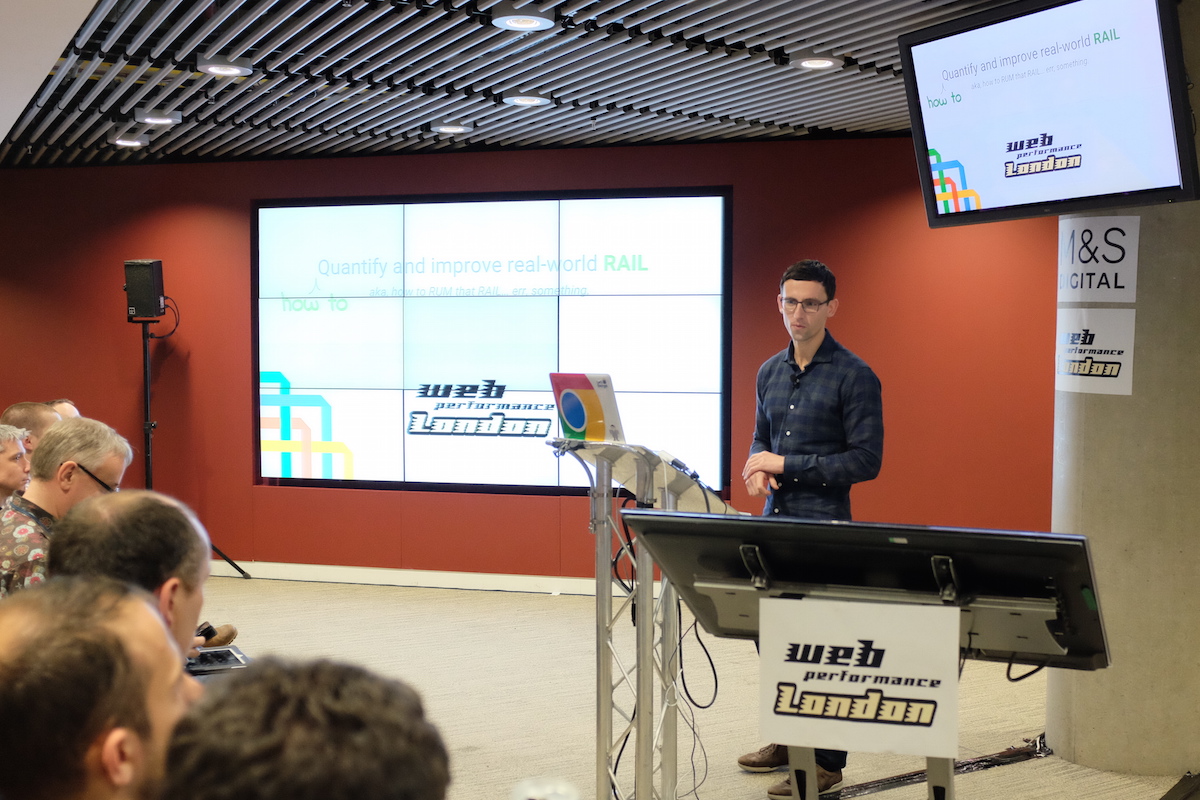
- Ilya Grigorik (@igrigorik): Webperf API’s to quantify and improve real world RAIL
Tim Kadlec: Mobile image processing
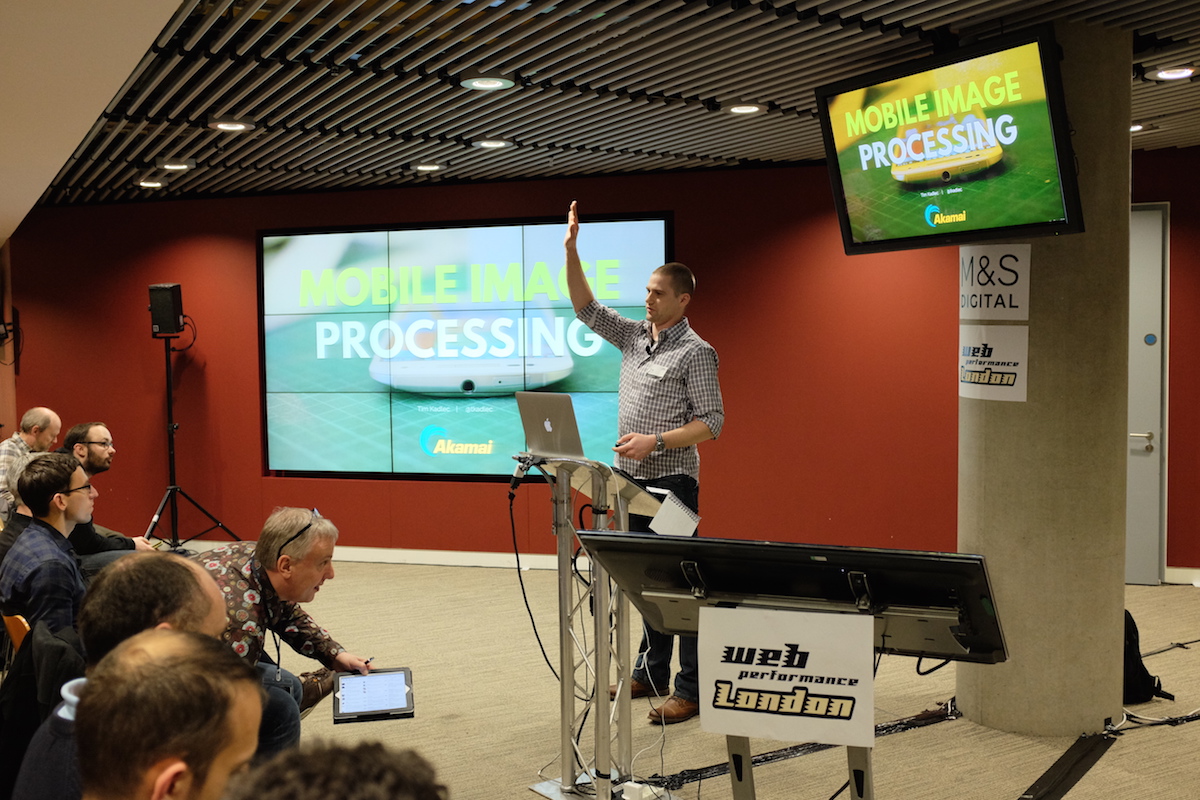
Images on the web affect network bandwidth consumption and also a performance of the browser, device and battery life. Big images have large(unnecessary) footprint on CPU, GPU (decoding) and memory (storing decoded data to display)
To improve web performance we can not only serve images in the actual size they are used but also, use subsampling when possible (JPEG-s).
Chroma subsampling is the practice of encoding images by implementing less resolution for chroma information than for luma information, taking advantage of the human visual system’s lower acuity for color differences than for luminance. – Wikipedia
Keypoints:
- meta viewport is your friend
- small breakpoints for large images
- use downsampling 4:2:0 if you can
- for websites serving a lot of images use heuristic algorithms to find a best downsampling ratio to ensure that resized and downsampled image will be inside of the boundaries of the expected image quality by users.
Ilya Grigorik: Webperf API’s to quantify and improve real world RAIL
Correlation between weather and speed of application.
Anectodal story about finding the cause of bad performance of one application in a specific location on mobile devices. Lesson learned: In hot weather, to prevent overheating, device decide run fans and reduce CPU frequency (slows down application).
RuM techniques for RAIL
RAIL (stands for Response, Animation, Idle, Load) is a user-centric performance model. Every web app has these four distinct aspects to its lifecycle, and performance fits into them in very different ways.
Web performance timing specifications
Timing performance API-s using buffers have disadvantages and can actually affect the performance..
Performance Observer to the rescue. (In Chrome Canary)
Response
Chain of latencies between user input and web application response:
Touch ->
hardware latency ->
Operation System latency ->
Browser latency ->
Application latency -> Response
event.timeStamp -
OS provided value for input events, event creation time for all other events.
It exists for a long time but implementations differ across browsers.
Passsive Event Listeners -
Javascript event callbacks which don’t call .preventDefault() (allows smooth scrolling)
Animation + Idle
- for checking if the element is in viewport! (Ready in Canary with enabled experimental features)
Paul Lewis master plan: Make things done in 8 milliseconds
- We can leverage free time slots in 16ms for additional work.
Load
declarative preconnect - Initiating TCP connections in advance
reactive preconnect
declarative preload
Save-Data header
Async CSS with preload “hack”:
<link rel="preload" href="style.css" as="style" onload="this.rel='stylesheet'">More reading:
Website:
LDNWebPerf Special - Tim Kadlec & Ilya Grigorik
Date:
2016-02-11 19:00 - 22:00
Location:
Marks & Spence Office, Waterside House, 35 North Wharf Road, London W2 1NW
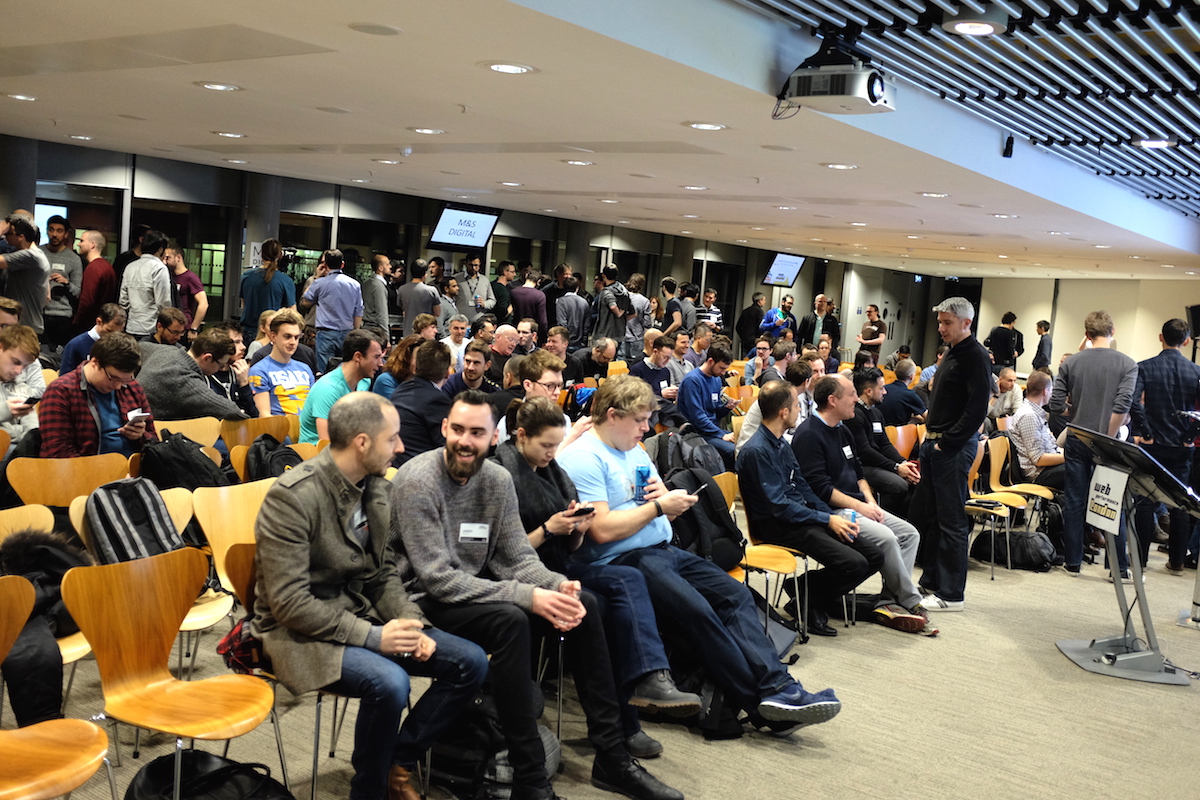
Photos:
 )
)